


STEP 1
Start informed
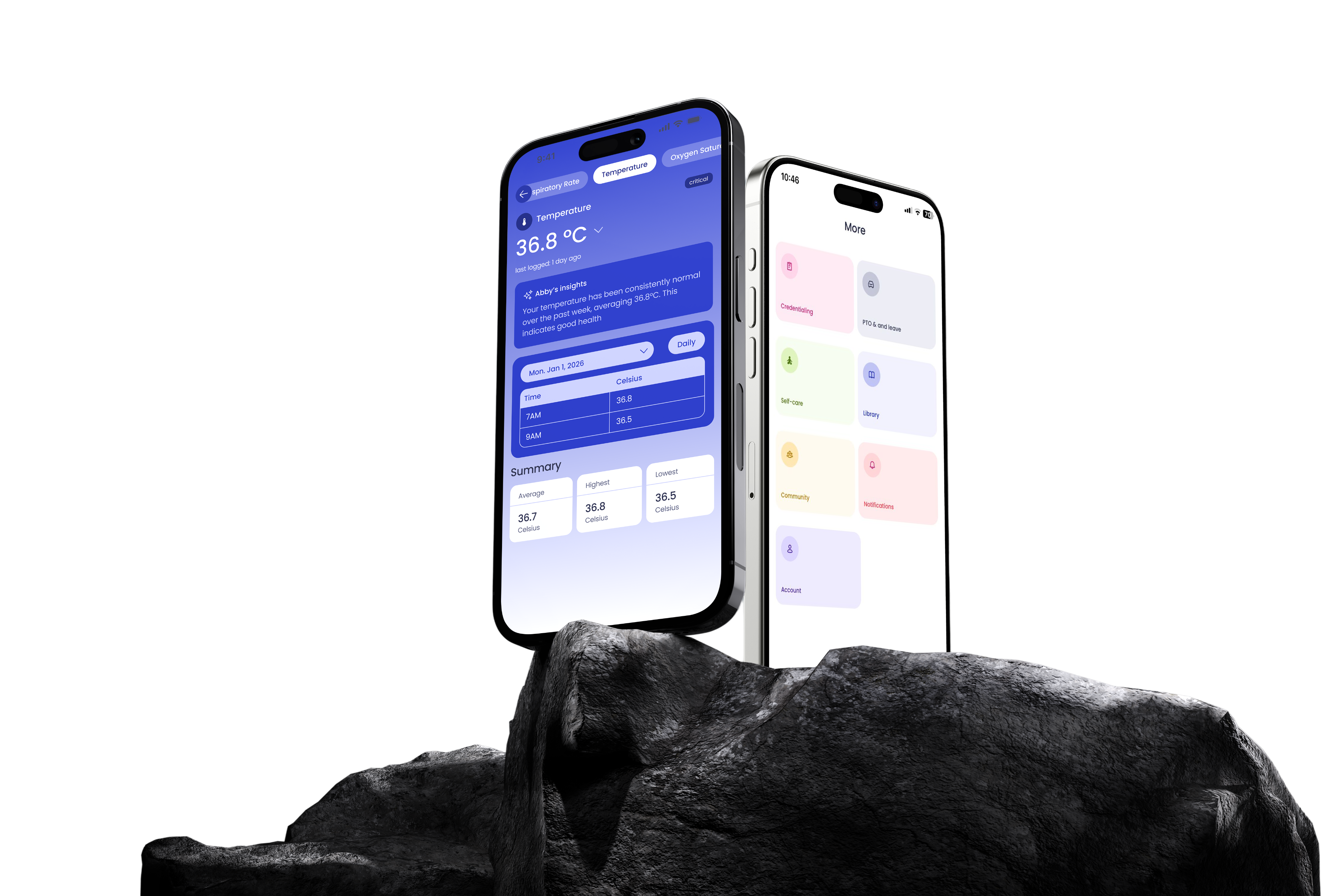
Sarah opens the app and sees her assigned patients, new notes, and the previous-shift summary.
-DvDuvesE.png)
MyNursePal Pro · Nurse Mobile
Nurse Mobile helps nurses stay organized, capture notes faster, and keep up with care throughout the shift.
As nurses use Nurse Mobile, the app learns how they prefer to work and adapts over time.
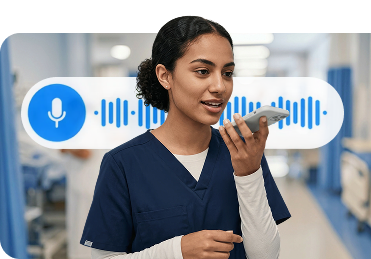
Nurses can capture assessments and notes with voice-to-text, then review before signing.
Nurses can follow patient needs, open tasks, and new information throughout the shift.
CONTINUOUS CARE
Nurse Mobile supports the nurse during care. The Living Care Plan keeps that care connected after the visit.
Traditional patient portals show patients what already happened. The Living Care Plan keeps goals, reminders, and care updates going between visits.
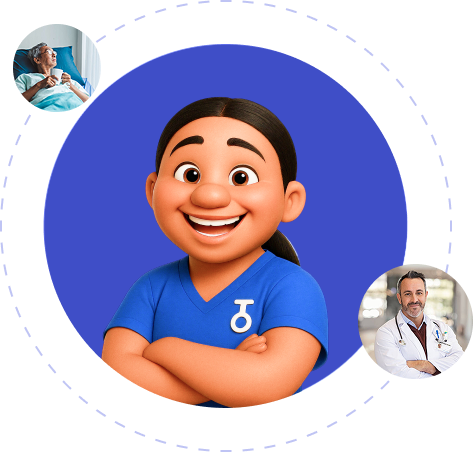
Abby, the AI care companion, helps patients stay on track with reminders, coaching, and check-ins.
Tools for managing care
Nurses receive in-shift prompts and reminders that help guide tasks and reduce missed steps during care delivery.
Nurses can access support for professional growth, stress management, and overall wellbeing.
Care information flows between Nurse Mobile and existing EMRs through FHIR R4 read and write support.
Nurses can access clinical references and resources at the point of care for quick decision support.
Nurses can manage shifts, schedules, and availability directly within the app.
Designed with healthcare-grade privacy and security standards to support HIPAA requirements.
STEP 1
Sarah opens the app and sees her assigned patients, new notes, and the previous-shift summary.
STEP 2
After an assessment, she captures the details with voice-to-text, then reviews the draft before signing.
STEP 3
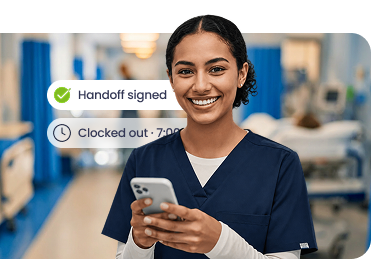
Nurse Mobile drafts a handoff from the shift notes. Sarah reviews it and ends the shift with less charting left behind.
“Nurses don't leave because they stopped caring. They leave because the workload became unsustainable. We built Nurse Mobile to take weight off the nurse, not add to it.”
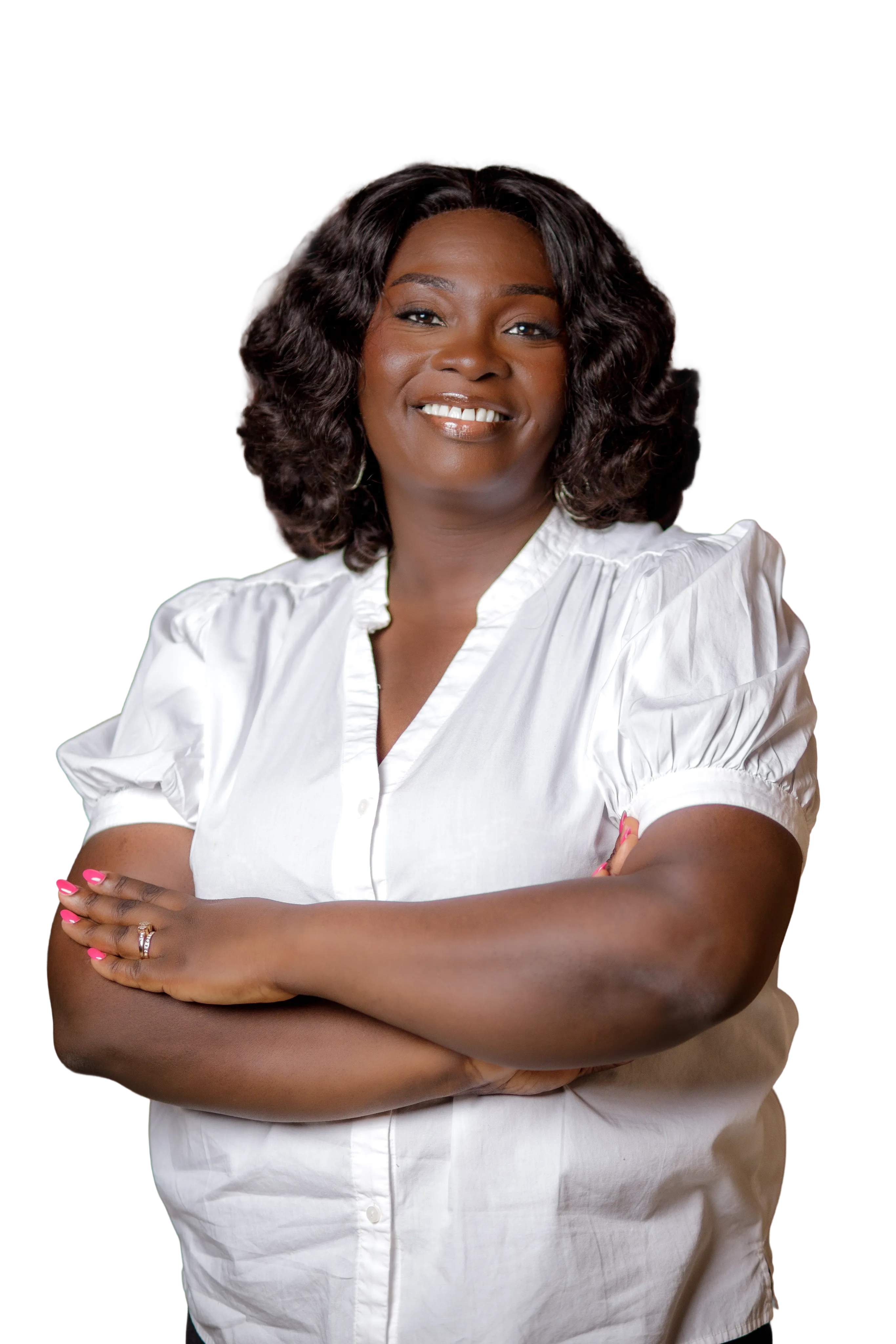
Sylvia Abbeyquaye, PhD, MPA, RN
CEO & Founder